
Point of sale
A till that already knows your customers and your stock.
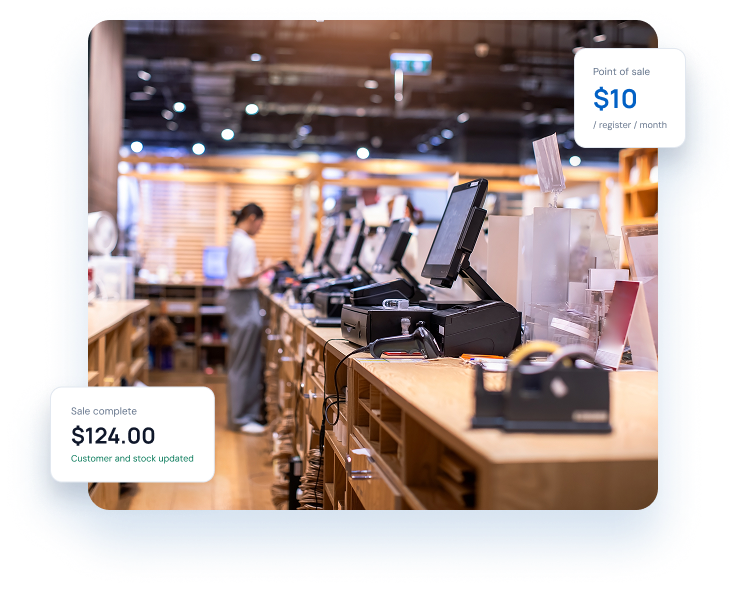
Add point of sale to Linx and every sale lands on the customer, the product and the stock record it belongs to. $10 a month per register. No per-user fees.
The point of sale is an add-on. You do not need it to use Linx.
Fast selling
A sell screen built for the counter.
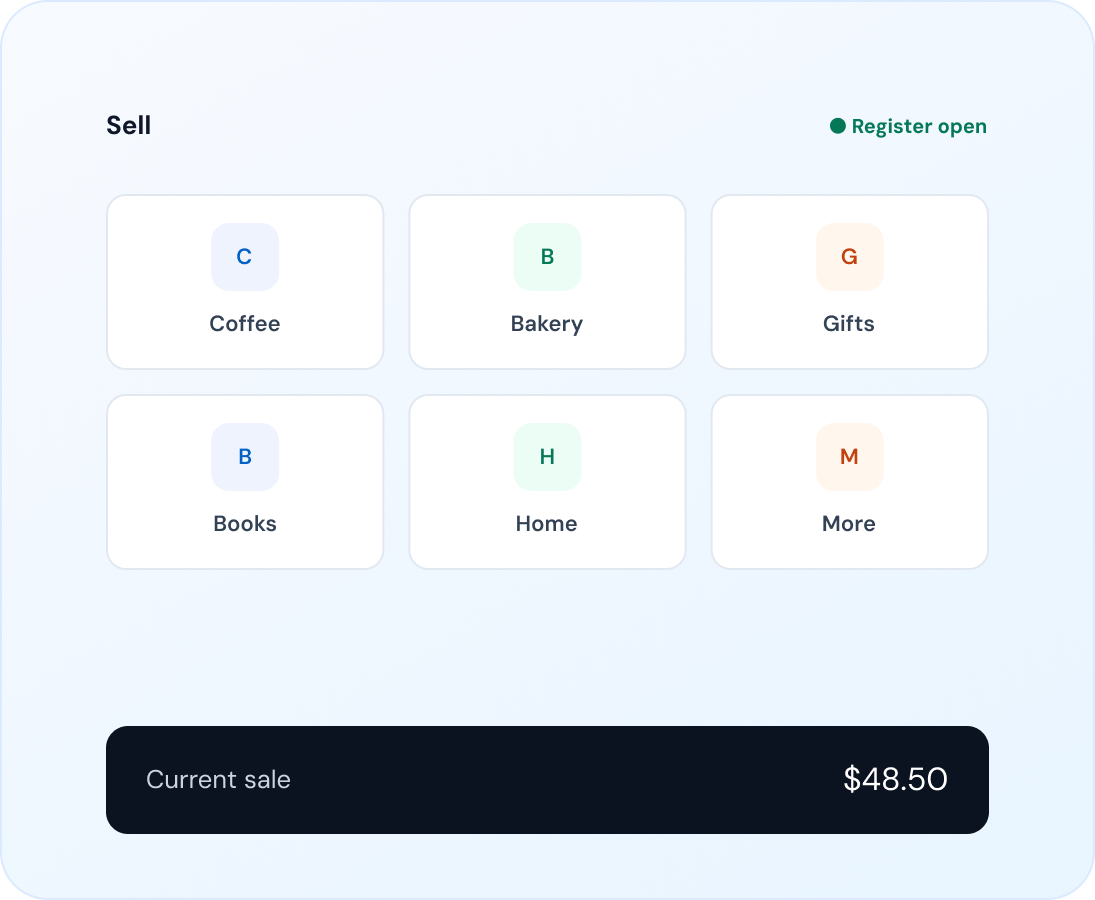
Build the sell screen to match your shop: folders and large buttons for the things you sell most. Search, scan, change a price or give a discount, then attach a customer so the sale joins their history.
Layout designer with folders, colours and images
Search products, scan a barcode or look up a gift card
Price changes and discounts per line or whole sale
Attach a customer and park sales
Taking payment
Take payment the way your customers pay
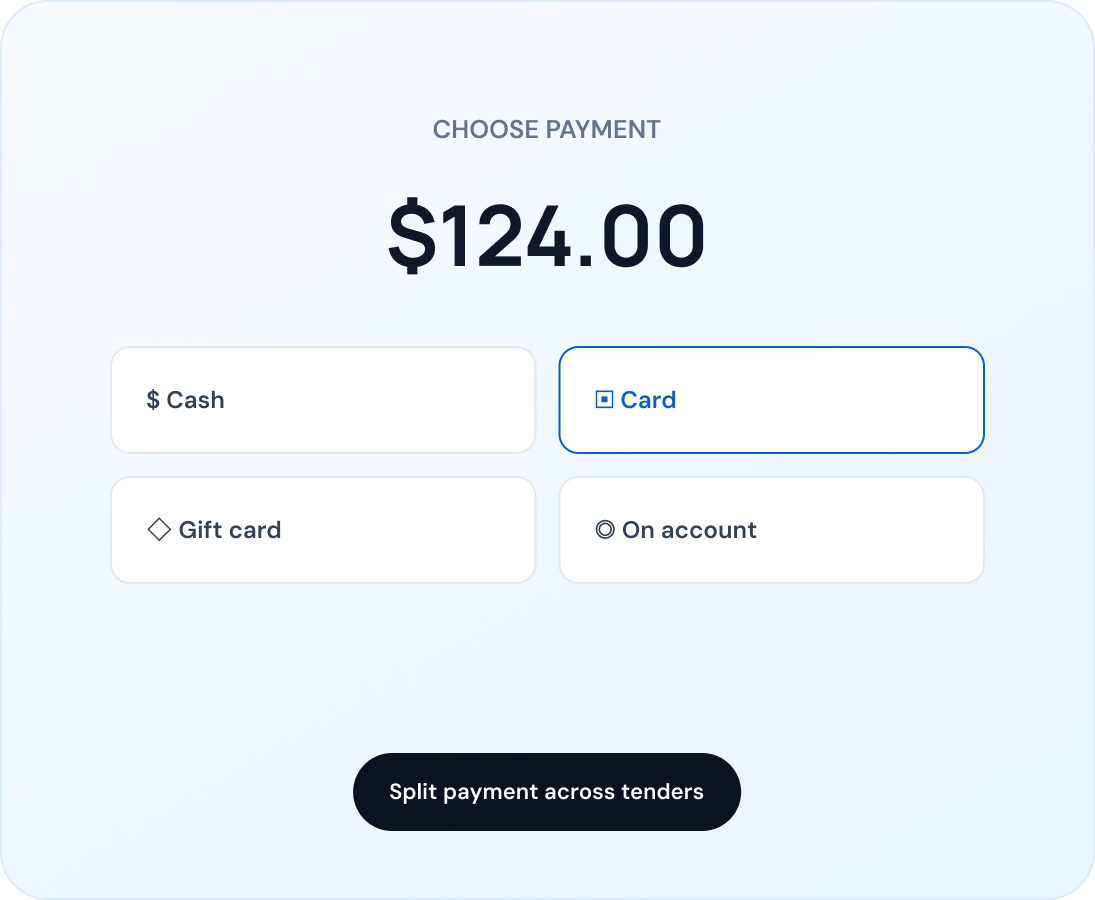
Take cash, card, gift cards and on-account payments, and split a sale across more than one of them. Account sales join the customer's invoices and balance.
Cash, card, gift card and on-account tenders
Split payments across tenders
Charge to a customer's account
Card payments
Card payments, your way.
There are two ways to take card payments, and you can pick the one that suits you.
Link your own Stripe account
Linx sends the amount to your terminal, waits for the customer to pay and records the result. Your rates and customer relationship stay yours.
Connected terminal
Use any card machine
Choose “card” at the till, take payment on the machine you already have and confirm in Linx when it is done.
No provider link required
Good to know: Linked card payments need an internet connection. Stripe is the first provider; others are not available yet.
Refunds & gift cards
Refunds and gift cards without the headache
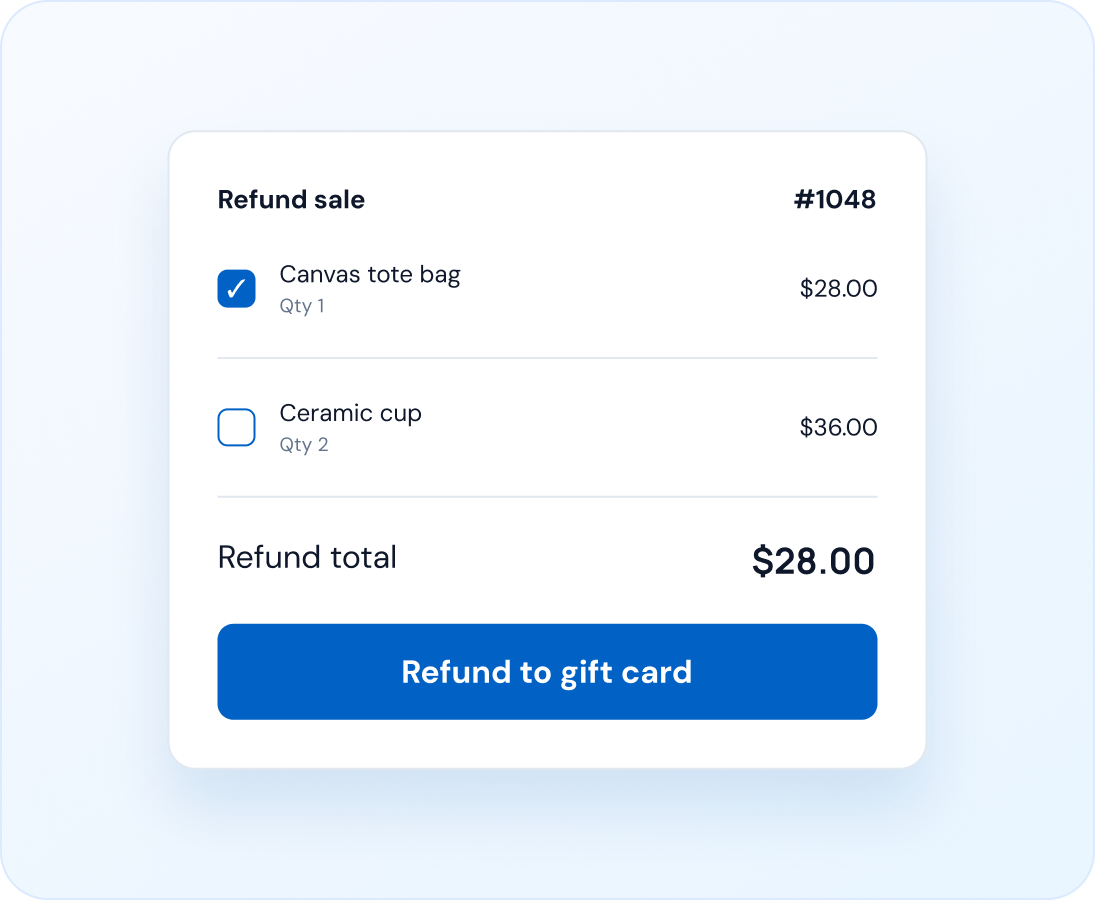
Refund a whole sale or just some lines, back to the original tender or the customer's account. Linx stops you refunding more than was sold.
Selling a gift card needs an internet connection.
Full or partial refunds, per line
Refund to cash, card, gift card or account
Protection against over-refunding
Sell, redeem and look up gift cards
Register sessions
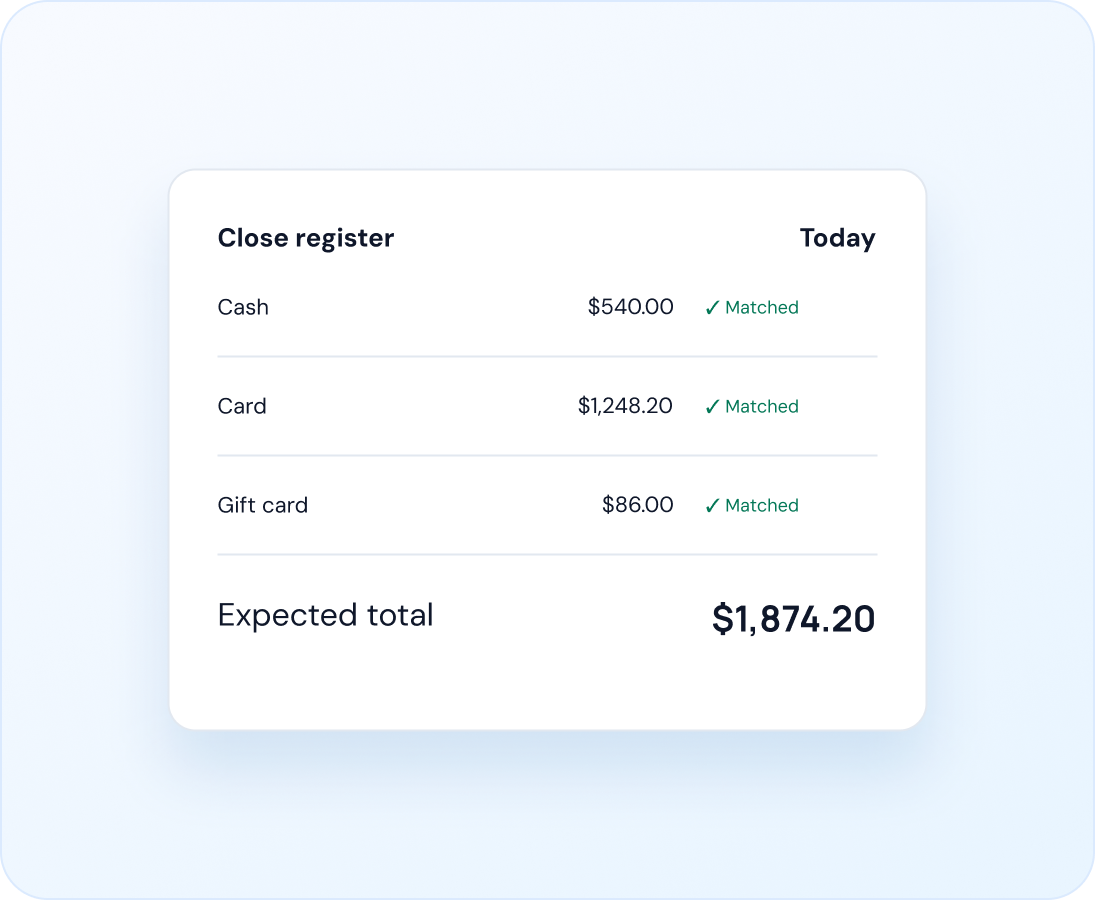
Know your till is right at the end of the day
Open a register with a float and close it at the end of the shift. Linx compares what you should have with what you counted, so differences are visible straight away.
Open with a float, close with a count
Expected versus counted by payment type
Cash drawer management
Sales history per register and session
Receipts & printers
Receipts that look like yours
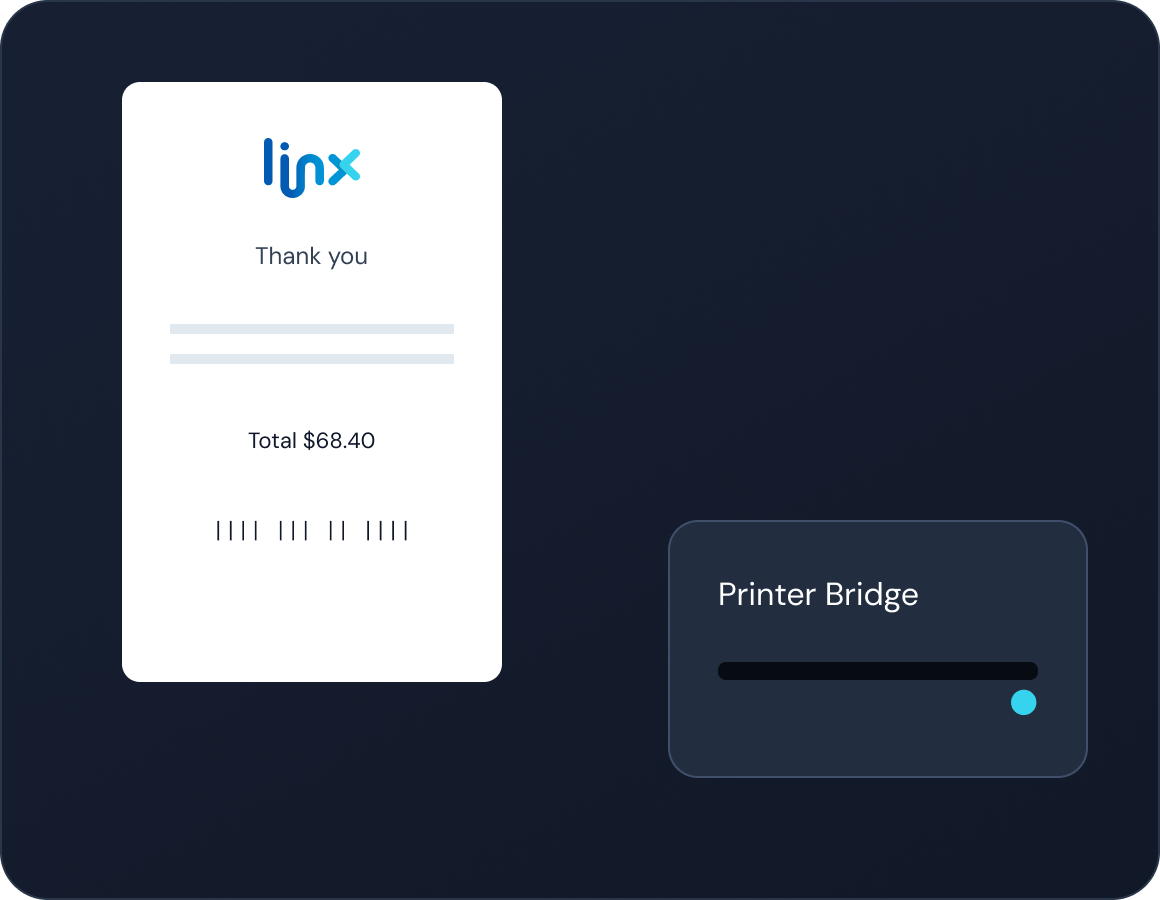
Design your receipt with your own header, footer, wording and barcode. Print it and open a compatible printer-connected cash drawer through Linx Printer Bridge.
Receipt designer per business unit
Open a compatible cash drawer
Connect local receipt printers
Use your country's tax wording
Download Printer Bridge
Setup guide
Offline selling
When the internet drops, you keep trading
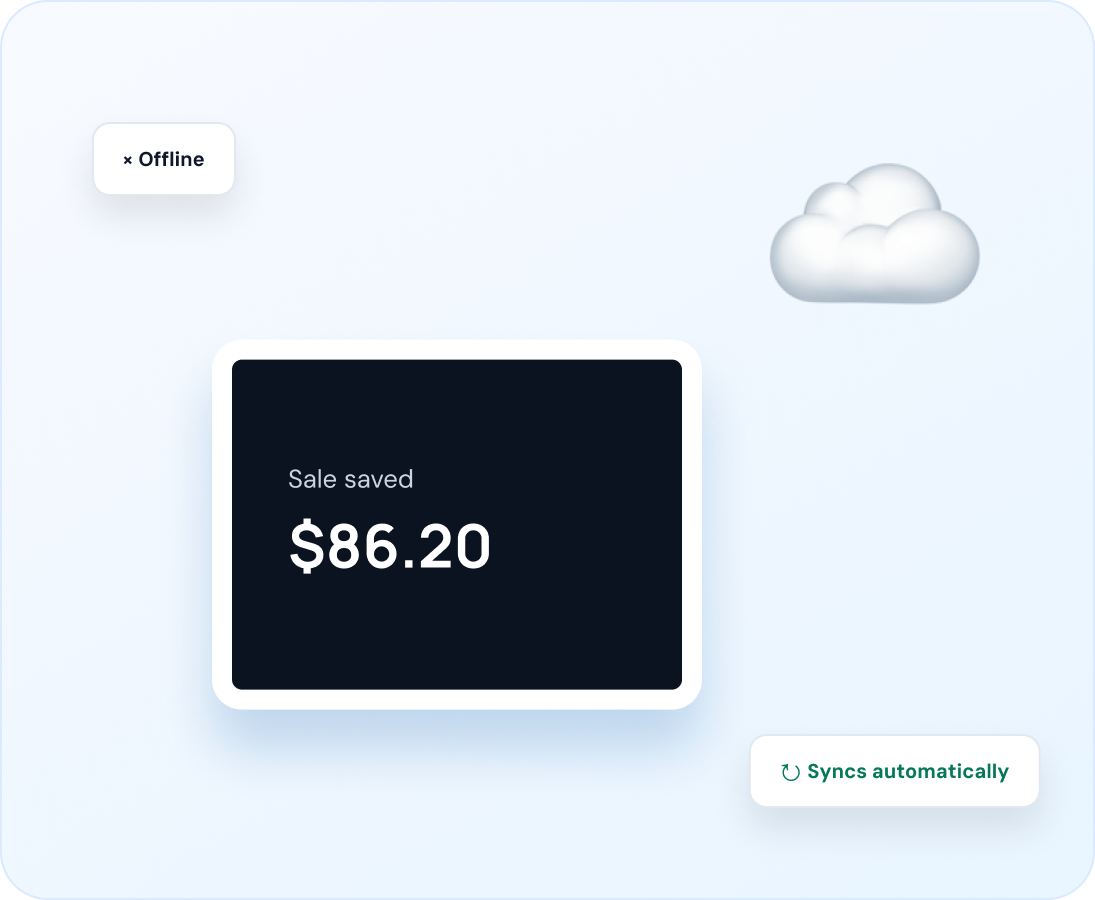
An already-open till keeps selling without a connection. Sales are saved securely on the device and sync automatically when the connection returns.
Works offline
Selling, sales history and cash entries on an already-open register.
Needs a connection
Opening, closing or switching registers, linked card payments, and gift cards.
One connected record
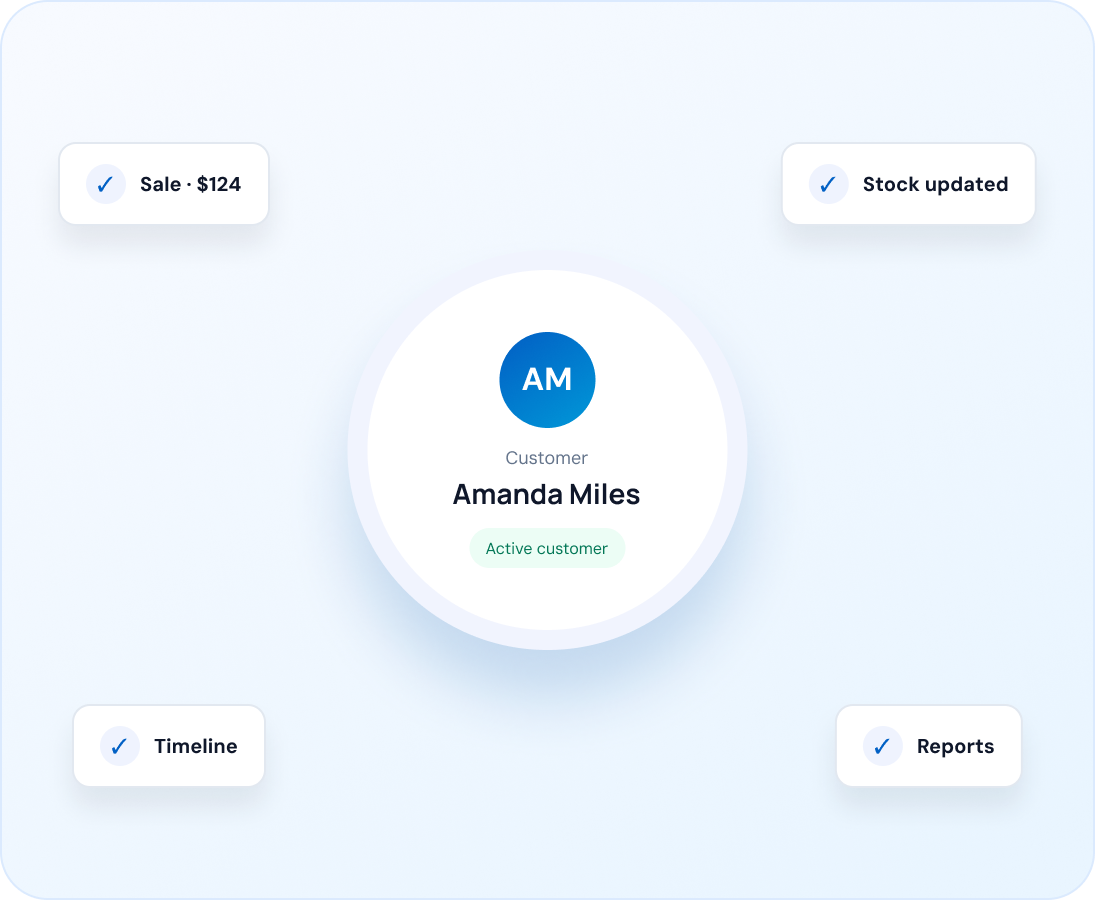
Sales that stay with the customer
Because the till shares data with the rest of Linx, a sale is not just a receipt. It joins the customer's timeline, updates stock in that branch and appears in your reports.
Follow up, see sales history or send a campaign to your best customers, all from the same record.
Do I need the point of sale to use Linx?
How much is it?
Does it work offline?
Can I use my own card machine?
How do I connect a receipt printer and cash drawer?
Can I use it in more than one shop?
FAQ
Questions we hear most
Everything you need to know before adding point of sale to Linx.
Still have a question? Talk to us
Start with Linx
Add a till when you are ready
Start your 14-day free trial. A trial register is included so you can try the till.