Automation & customisation
Make your records, forms and workflows fit your business.
Linx is customisable business software for customer records, inventory and POS. Add your own fields, forms, dashboards and templates, and let workflows handle the follow-ups. No developer needed.
14-day free trial
No credit card
Help centre and email support included
Fields & forms
Record what matters, in forms that suit your team.
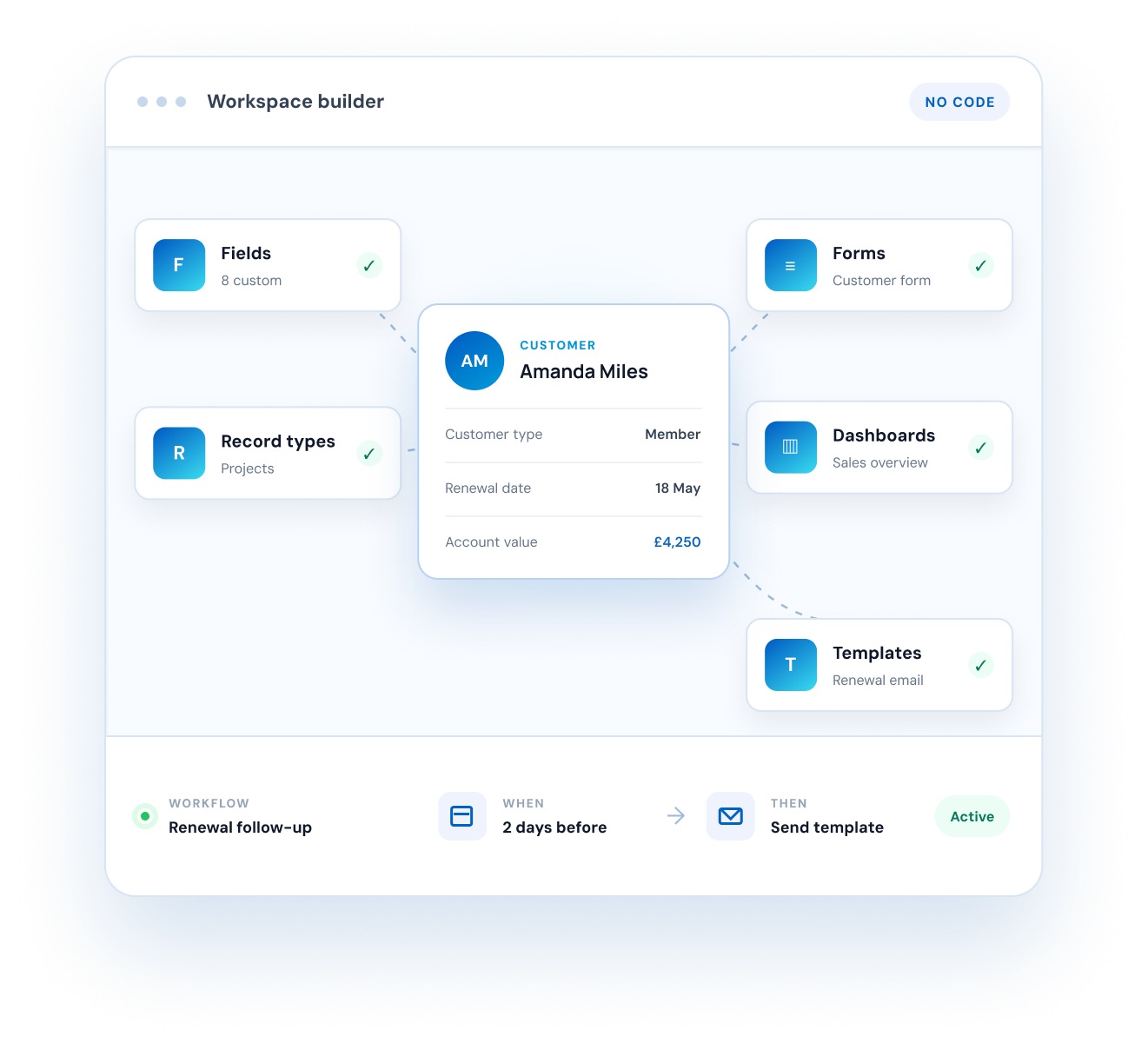
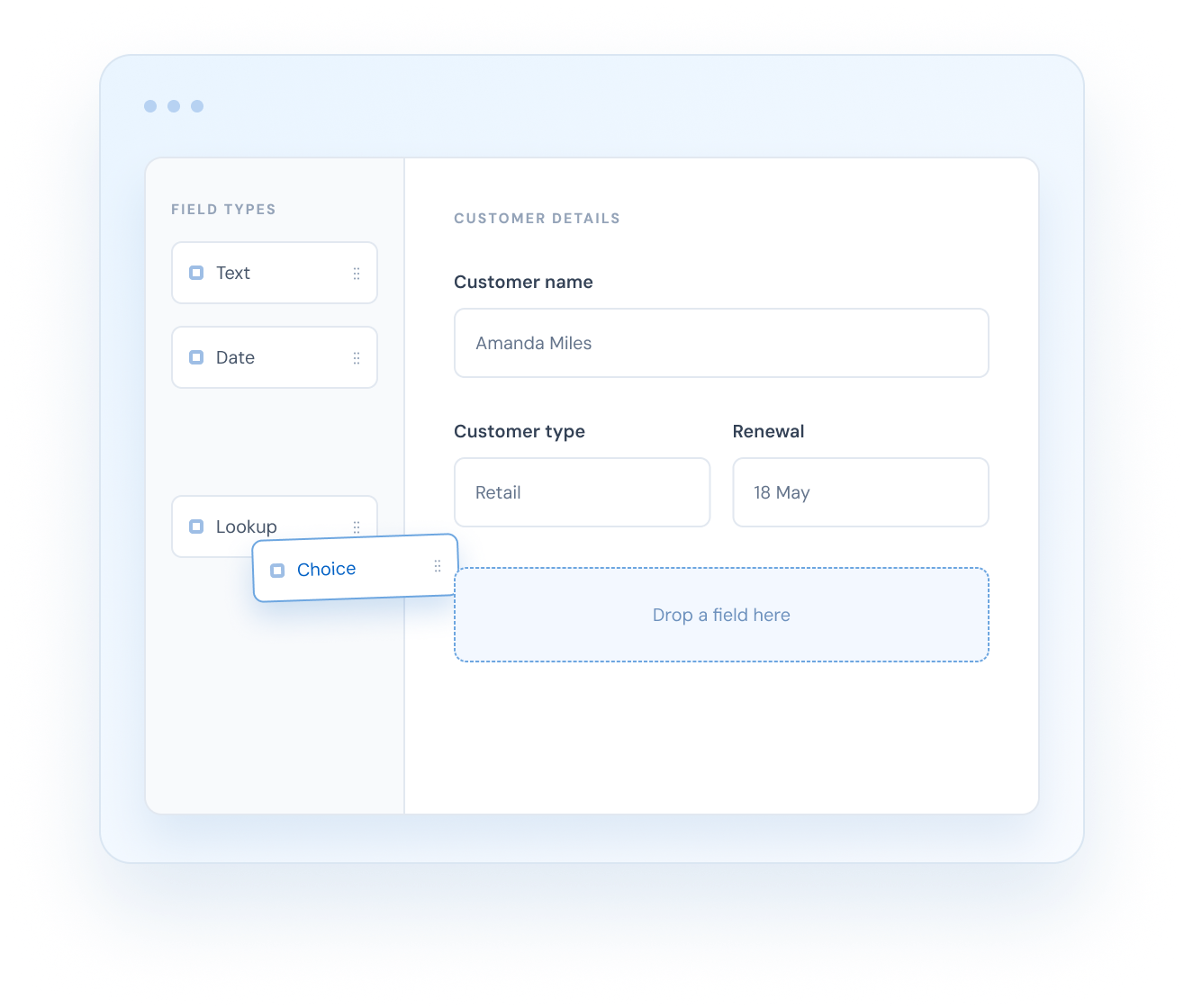
Every business keeps different details. Add your own fields to any record, choose the right type for each one, and arrange them on forms the way your team works. Group fields into panels, show related records in a list on the form, and use quick-create forms for fast data entry.
Use the fields your team needs on customer records, products and other records you manage. The same templates and workflows can support quotes, invoices and follow-ups, while receipt templates let you shape the output at the optional till. You do not need to use POS to customise the rest of the platform.
Text, number, currency, date, choice and lookup fields
Fields that calculate their value from other fields
Forms with panels, related records and address maps
Quick-create and quick-view forms
Your own record types
Track anything, not just customers.
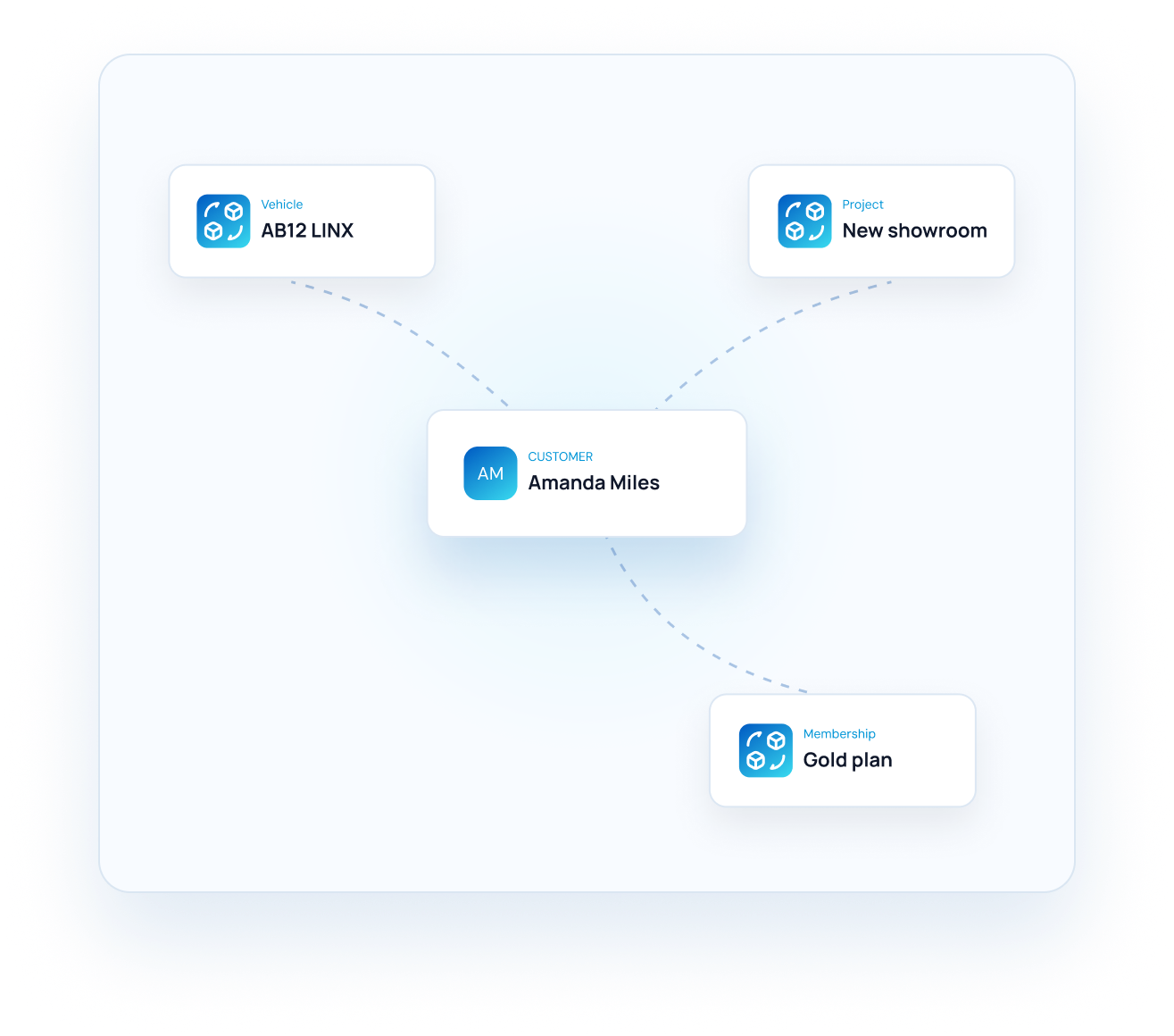
Create your own record types for vehicles, projects, animals, memberships or equipment. Give each one its own lists and forms, then link it back to the customer.
Create as many record types as you need
Relationships between records
Saved lists for any record type
The same security roles apply
Dashboards & reports
See what matters on one screen.
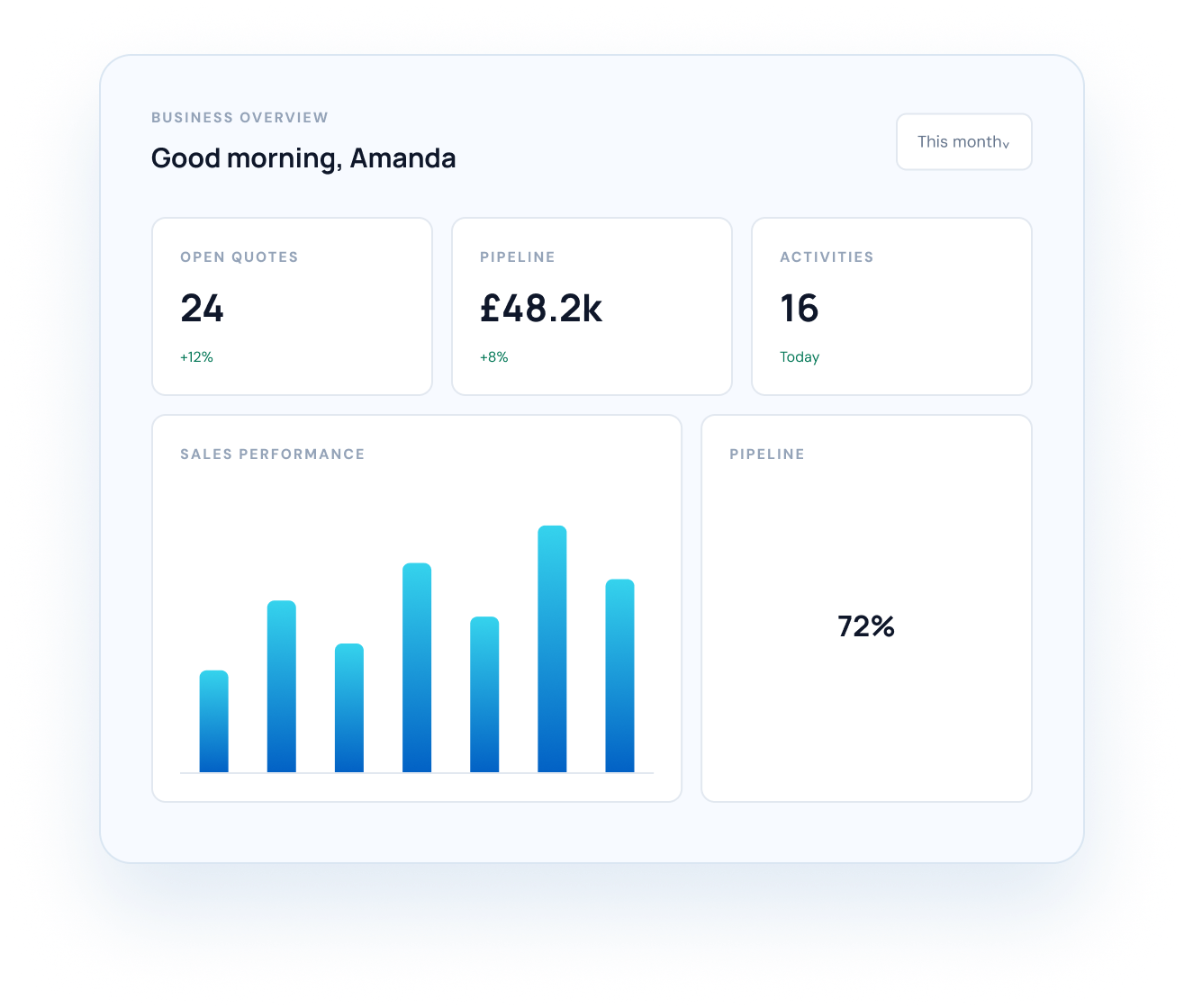
Start with ready-made dashboards, then build your own from counters, tables and charts. Choose who can see each view and run reports across sales, payments, stock and more.
Ready-made business, pipeline, activity and stock views
Counters, tables, bar, pie, line, area and text widgets
Share by person, team or business unit
Export any list to CSV or Excel
Templates
Documents and messages in your voice.
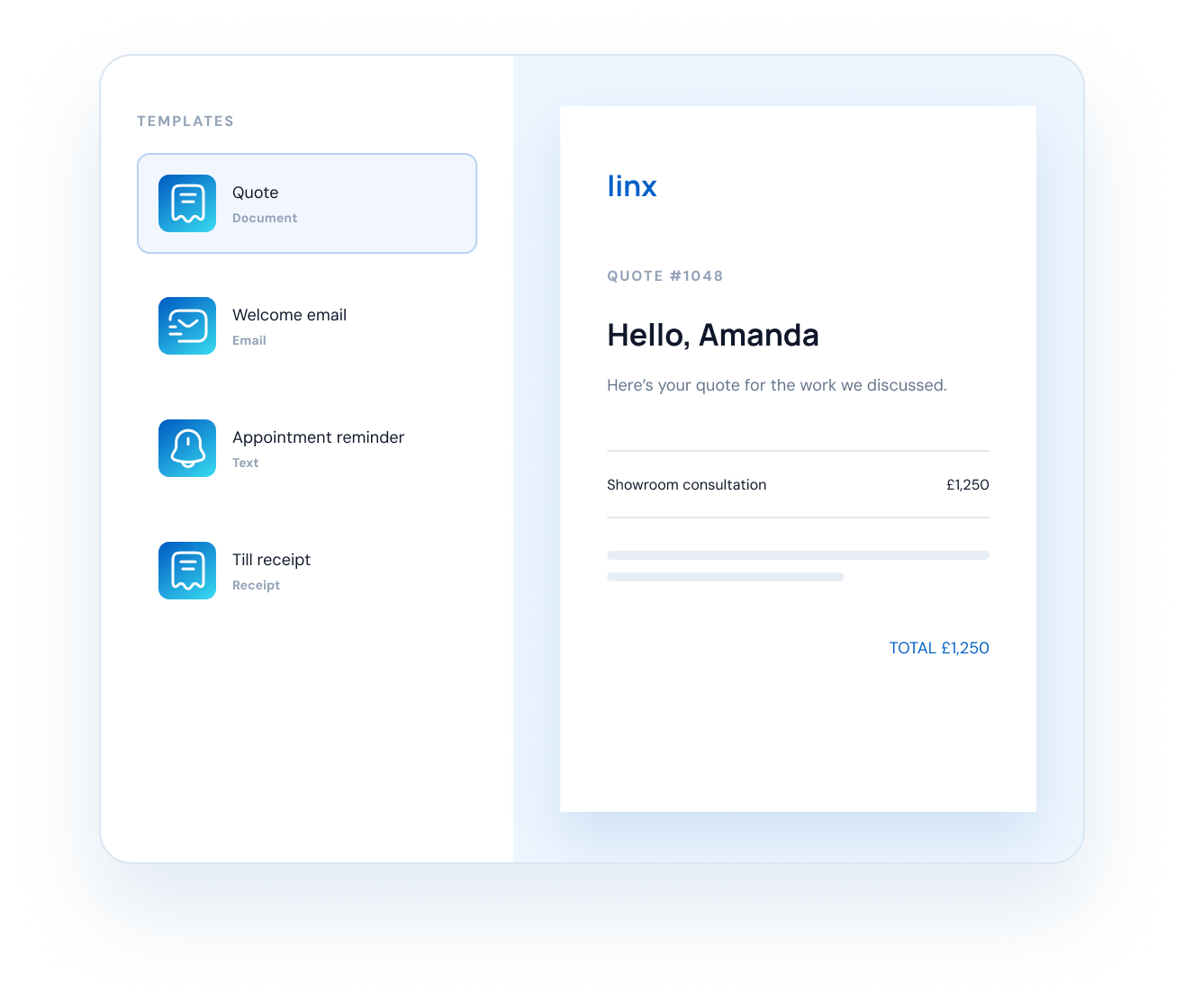
New workspaces start with ready-made templates. Use them straight away, download one from the app to change its logo and wording, or add another design.
Create your own templates for letters, emails, text messages, email signatures and receipts too. Fill templates with the customer's details automatically and use them by hand or from a workflow. You can replace or delete an unused starter just like another document template.
Starter document templates in new workspaces, plus your own designs
Email, text and signature templates
Receipt templates for each business unit
Use templates by hand or from a workflow
Workflows
Let Linx handle the follow-ups
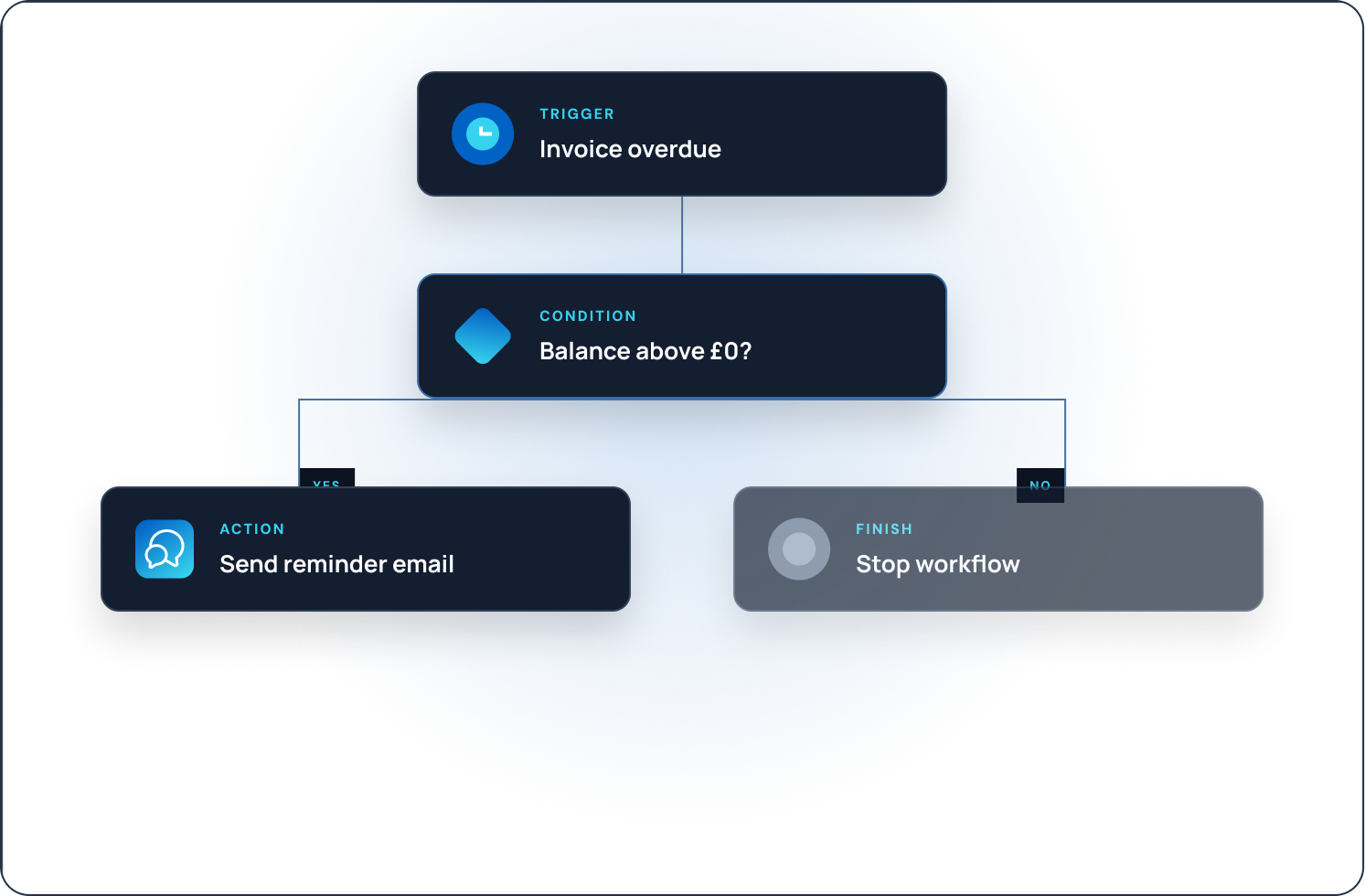
Set a workflow up once and it runs on its own, every time. Add conditions, wait as long as you need, then create records, send messages or generate documents.
01
Start at the right moment
Run on a schedule, a record date, an anniversary, or when data changes.
02
Take useful action
Create or update records, send emails and texts, or generate documents.
03
Stay in control
See every run step by step, with a clear log and retry for failures.
Text before an appointment
Remind when an invoice is overdue
Follow up after a quote
Welcome every new customer
Roles & business units
The right access for every person and branch
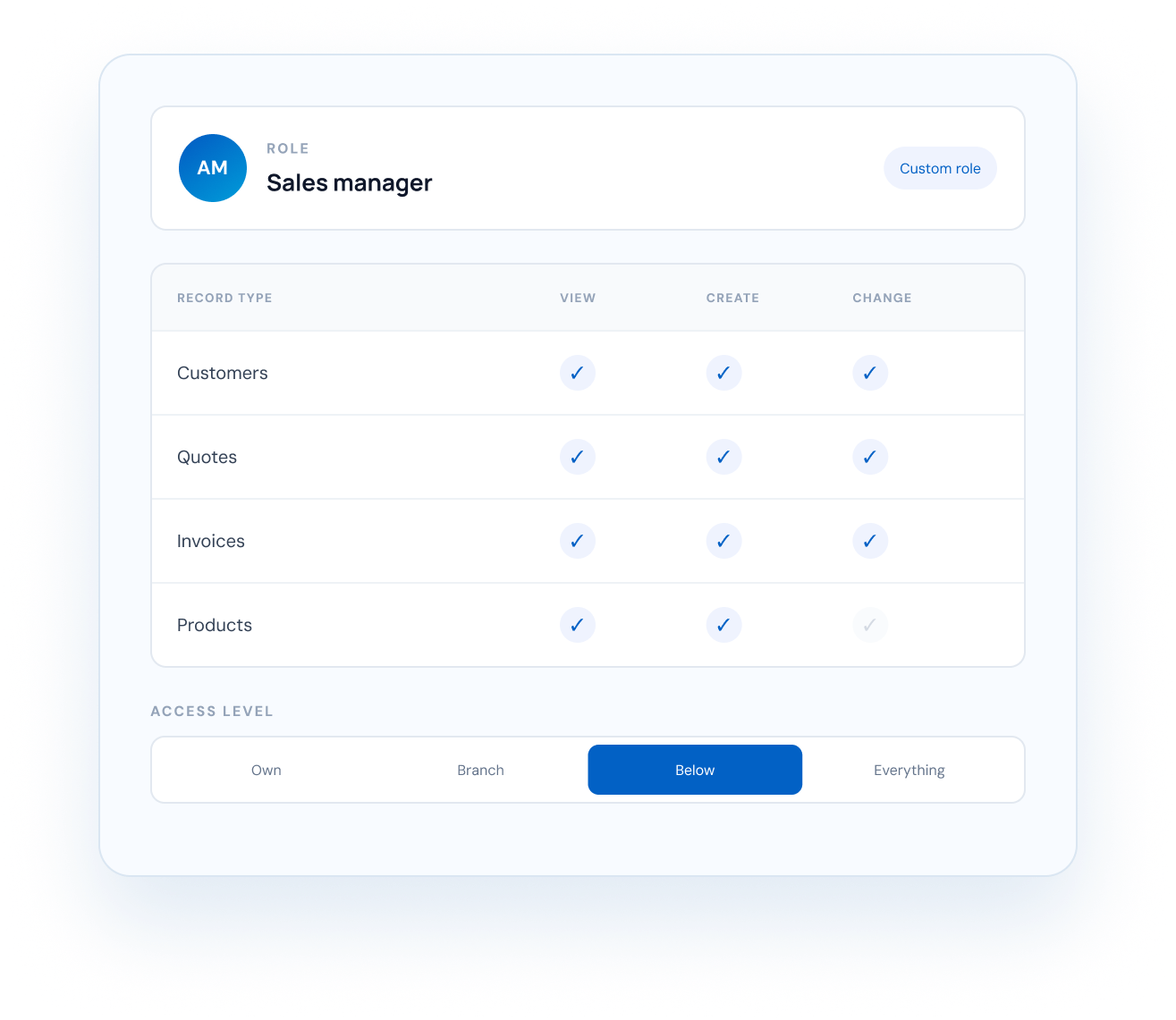
Decide what each person can see, create, change, delete or assign. Settings such as email and numbering can flow down from head office to every branch.
Permissions for each record type
Own, branch, branch hierarchy or everything
Business units with head-office control
Ready-made roles or build your own
Do I need a developer to customise Linx?
Can I make my own record types?
Can I skip the sales order?
Yes. Create an invoice directly from an active quote, or create a sales order first for fulfilment and deposits. These lifecycle actions are predefined; fields, forms and templates are yours to shape.
What can start a workflow?
FAQ
Questions we hear most
Everything you need to know about shaping Linx around the way your team works.
Still have a question? Talk to us
Start today
Shape Linx around your business.
Start your free trial.